一鍵釋放磁碟空間
釋放磁碟空間,順暢儲存新檔案。

釋放磁碟空間,順暢儲存新檔案。
清理防護一步到位,無需繁複設定

辨識勒索病毒,恢復核心檔案可用。
自動清理查殺,電腦告別卡頓。

守護線上活動,上網溝通更安心。

快速恢復網路,緊急場合不延誤。

為日常電腦呵護提供的選用升級。

攔截網路追蹤,讓瀏覽更私密。

清理無效登錄檔項目,讓系統更輕快。

視覺化磁碟佔用,快速定位大檔案。

阻擋網頁追蹤,保護您的上網足跡。

從磁碟中找回誤刪的重要檔案。

依您的排程自動清理系統垃圾。

嘗試還原被勒索軟體鎖定的檔案。

鎖定並保護您的重要私密檔案。

在隔離環境中安全執行有風險程式。

最佳化系統,讓遊戲更順暢、少卡頓。

找出並刪除重複檔案,釋放儲存空間。

輕鬆清除瀏覽記錄與本機隱私痕跡。

徹底粉碎敏感檔案,難以被還原。

更新驅動程式,支援備份與一鍵還原。

優先取得重要修補程式與功能更新。
攔截網路追蹤,讓瀏覽更私密。
清理無效登錄檔項目,讓系統更輕快。
視覺化磁碟佔用,快速定位大檔案。
阻擋網頁追蹤,保護您的上網足跡。
從磁碟中找回誤刪的重要檔案。
依您的排程自動清理系統垃圾。
嘗試還原被勒索軟體鎖定的檔案。
鎖定並保護您的重要私密檔案。
在隔離環境中安全執行有風險程式。
最佳化系統,讓遊戲更順暢、少卡頓。
找出並刪除重複檔案,釋放儲存空間。
輕鬆清除瀏覽記錄與本機隱私痕跡。
徹底粉碎敏感檔案,難以被還原。
更新驅動程式,支援備份與一鍵還原。
優先取得重要修補程式與功能更新。

幾步偵測並修復常見網路連線問題。

為企業團隊提供客製化安全與維護工具。

專為 Windows 10 通用平台打造的應用程式。

阻擋未授權的網路存取,守護電腦安全。

快速壓縮、解壓縮常見格式檔案。

整理桌面檔案,讓工作區更清爽。

釋放 Windows 系統碟的寶貴空間。

常用軟體一鍵部署,安裝更省心。

瀏覽時攔截風險網站與可疑擴充功能。

安全擴充 C 槽容量,降低資料遺失風險。

修復受損系統,處理關鍵系統故障。

修補 Windows 漏洞,降低安全風險。

更自由上網,並加強連線安全。

保護辦公文件,防竄改、防遺失。

快速、安全的日常上網瀏覽器。
幾步偵測並修復常見網路連線問題。
為企業團隊提供客製化安全與維護工具。
專為 Windows 10 通用平台打造的應用程式。
阻擋未授權的網路存取,守護電腦安全。
快速壓縮、解壓縮常見格式檔案。
整理桌面檔案,讓工作區更清爽。
釋放 Windows 系統碟的寶貴空間。
常用軟體一鍵部署,安裝更省心。
瀏覽時攔截風險網站與可疑擴充功能。
安全擴充 C 槽容量,降低資料遺失風險。
修復受損系統,處理關鍵系統故障。
修補 Windows 漏洞,降低安全風險。
更自由上網,並加強連線安全。
保護辦公文件,防竄改、防遺失。
快速、安全的日常上網瀏覽器。




Free malware scanning with no subscription required. Friendly interface and reliable protection. It is reassuring to run a quick scan whenever I install a new app, without creating another account or paying a subscription.

A complete, efficient and easy-to-use antivirus that protects browsing and downloads. I also appreciate how quietly it runs in the background while cleanup tools help keep older PCs responsive.


Lightweight, dependable protection with cleanup, USB scanning and a fast interface.

A complete antivirus with strong Windows integration, simple installation and useful cleanup.

Accurate, powerful protection that blocks threats and removes spyware and ransomware.

Amazing value: generous free protection that does far more than many paid antivirus products.

A helpful service and a good deal that made it easy to find the right solution.

Over ten years and more than 1,000 client PCs later, the free version remains reliable ❤️.

Successfully stopped a virus affecting program startup and creating unwanted shortcuts.

After more than five years, Total Security remains important, helpful and effective.

Five years of dependable protection against viruses, trojans, spam and intrusions.

Finds problems quickly and deserves a five-star rating ☺️☺️. A useful product that keeps improving.
快速解答關於 Total Security 的常見疑問。
360 Total Security is an all-in-one security and system optimization app for Windows users, combining virus scanning, ransomware protection, PC cleanup, privacy protection, and network troubleshooting in one client.
The free version includes antivirus and anti-ransomware protection plus secure online shopping. Premium adds Driver Updater, Firewall Protection, Privacy Cleaner, Data Shredder, an ad-free experience, and Priority Support.
The current version supports Windows 10 and later, 64-bit. It does not support x86, Windows 8.1, 8, 7, Vista, XP, or Windows Server.
免費標準版不需帳號即可使用,部分會員服務則可能需要登入。
Windows 電腦的下載與安裝指南。
Download the current Windows version from the official download page: https://www.360totalsecurity.com/zh-tw/download-free-antivirus/.
執行下載的安裝程式,依畫面指示完成步驟,然後開啟 Total Security 進行第一次檢查。
請使用最新版安裝程式、確認網路連線正常,並先關閉其他安全軟體的安裝程式再試一次。
請在 Windows 設定的已安裝應用程式清單中移除 360 Total Security。
簡單說明產品及其功能。
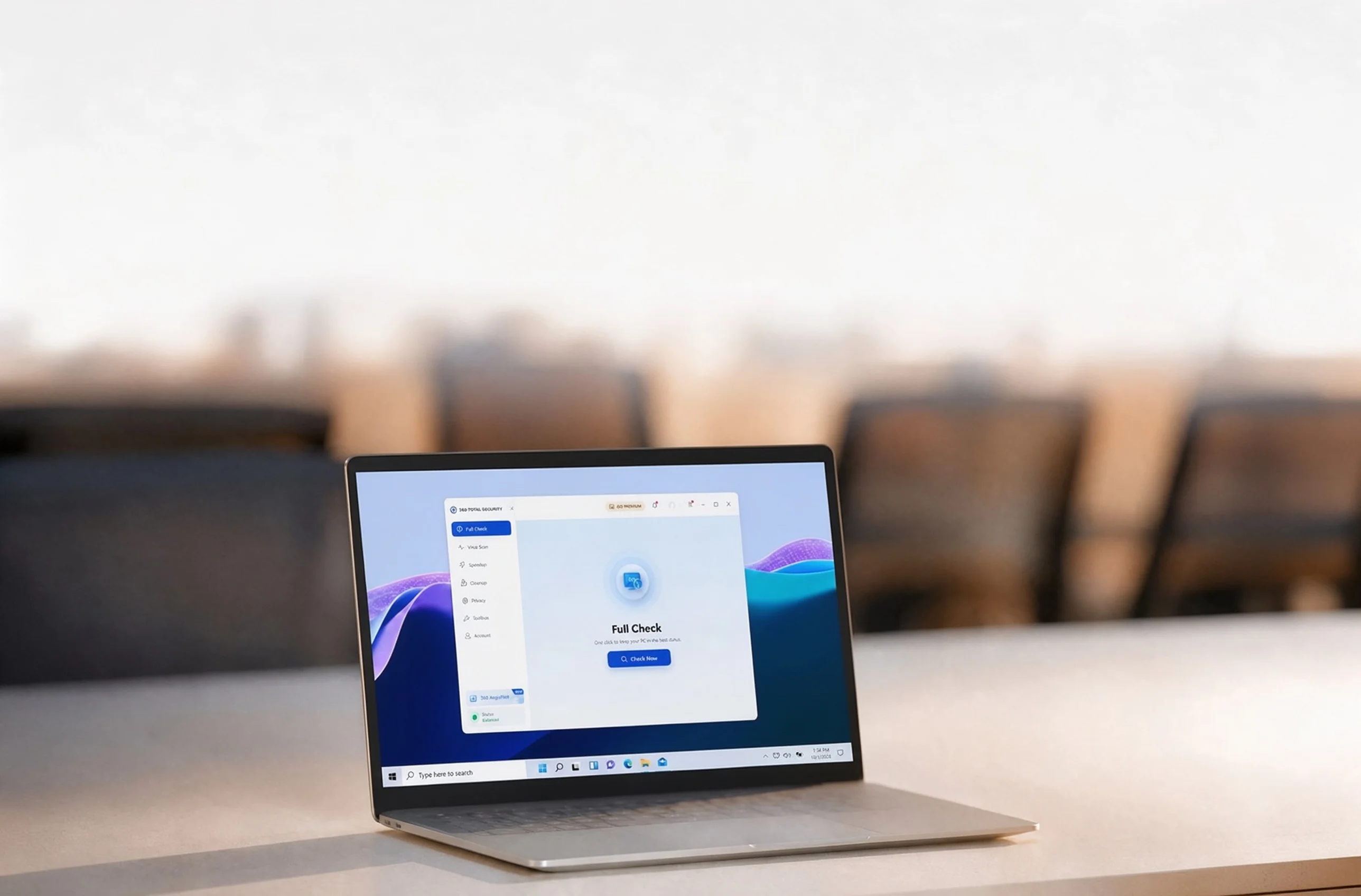
Full Check 將安全性、效能與清理項目整合在同一處,讓你一次掌握整體狀況。
Virus Scan 會檢查電腦指定區域是否有潛在威脅,並讓你檢視掃描結果。
Cleanup 會找出暫存檔案及其他可移除的項目,讓你確認後再刪除。
Startup Manager 會顯示隨 Windows 啟動的程式與服務,協助你決定要保留哪些項目。
更多日常電腦維護的實用解答。
開啟 Total Security 並使用其更新功能,確保防護資料保持最新。
To submit a suspicious file, contact support at https://www.360totalsecurity.com/zh-tw/support/how-to/ and include the file details.
Visit the support page at https://www.360totalsecurity.com/zh-tw/support/how-to/ for help.
開啟 Total Security 設定,即可調整你所用版本提供的通知與防護控制選項。


